Home gadgets
A calmer cable setup for your desk
Separate cable organization from electrical safety.
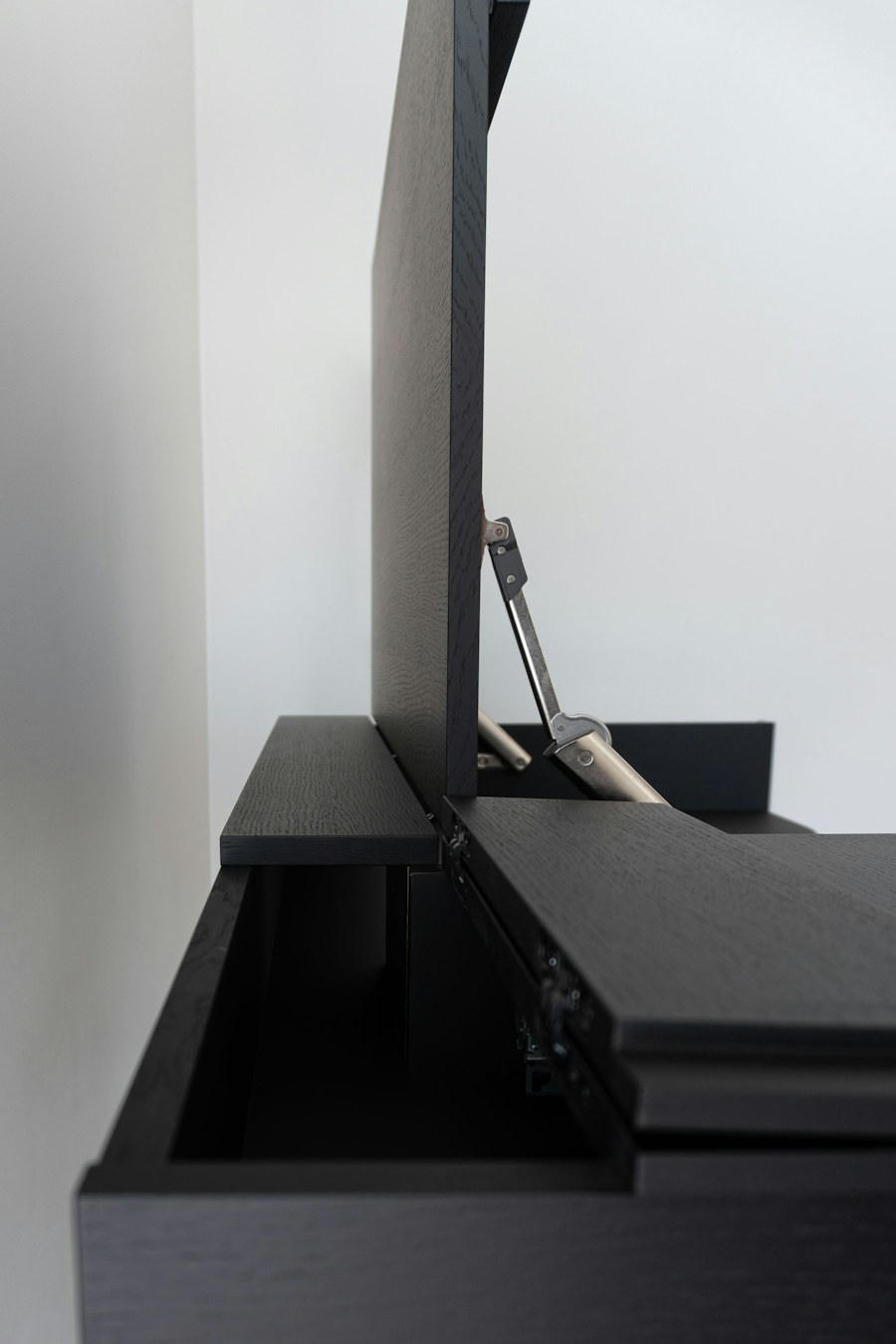
Illustrative photography · Photo credits
Identify each cable
Disconnect equipment appropriately before rearranging it. Trace cables one at a time and label both ends where useful. Keep enough slack for moving the desk or adjusting a monitor. Do not tightly bend or pinch a cable, and replace damaged equipment rather than hiding the damage in a sleeve.
Route for access
Try the layout with the desk in its usual position before attaching clips. Keep connectors accessible and cables away from moving furniture parts. Removable ties can make later changes simpler. A tray needs suitable installation and enough room to avoid crowding chargers or blocking the ventilation specified by the manufacturer.
Check the electrical side separately
A cable organizer does not change the capacity of a power strip or outlet. Follow the equipment instructions and local electrical requirements. Avoid assuming that every device can be connected through the same strip. If you are uncertain about the supply or condition of an outlet, consult a qualified electrician.
Before you buy
Measure the space, write down the problem you want to solve, and test a simple layout with what you already own. Check the exact product’s dimensions, instructions and suitability before making a purchase.
Keep exploring: Motion lights: plan placement first →